
GETTING STARTED WITH JEVIEWER
Button functions. Click images to enlarge

Open a visualization file that is on your computer 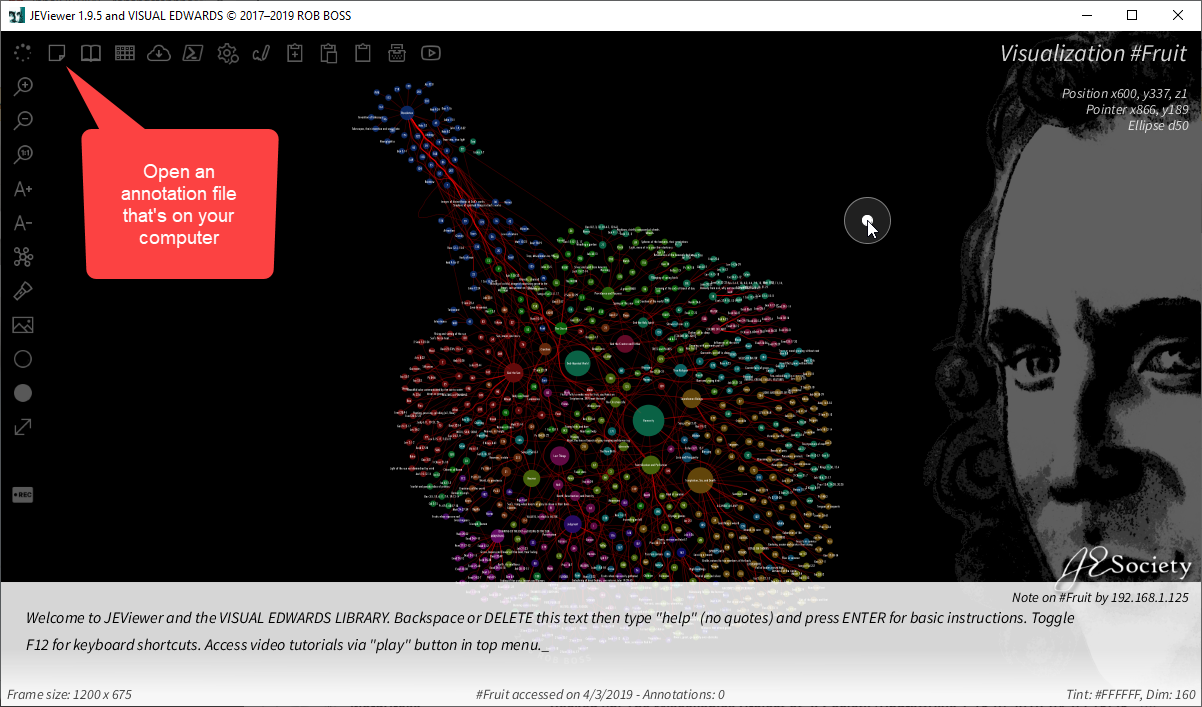
Open an annotation file that’s on your computer 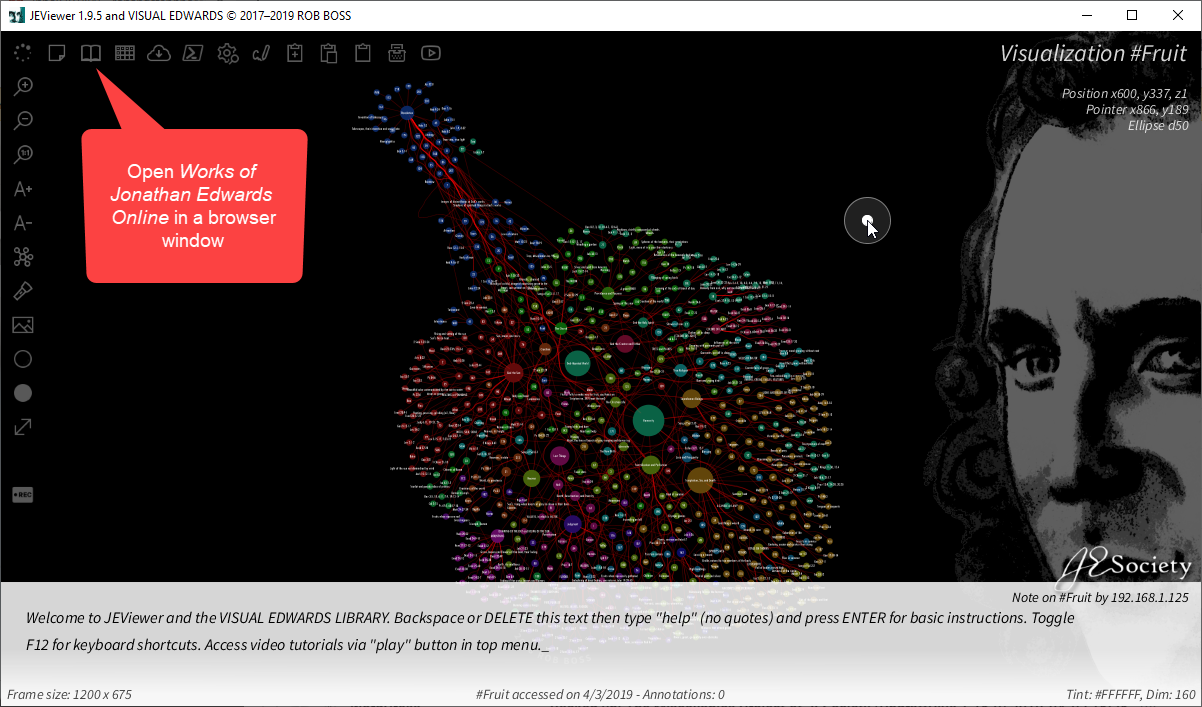
Open WJEO in a browser window 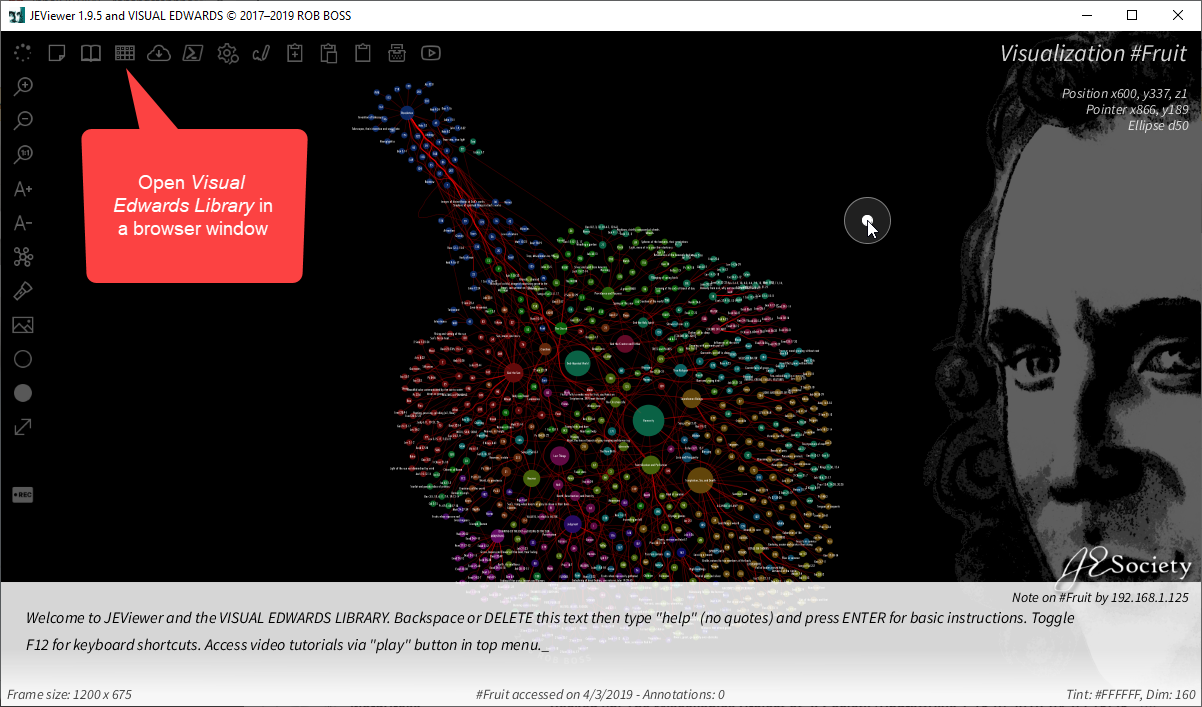
Open Visual Edwards Library table in a browser window 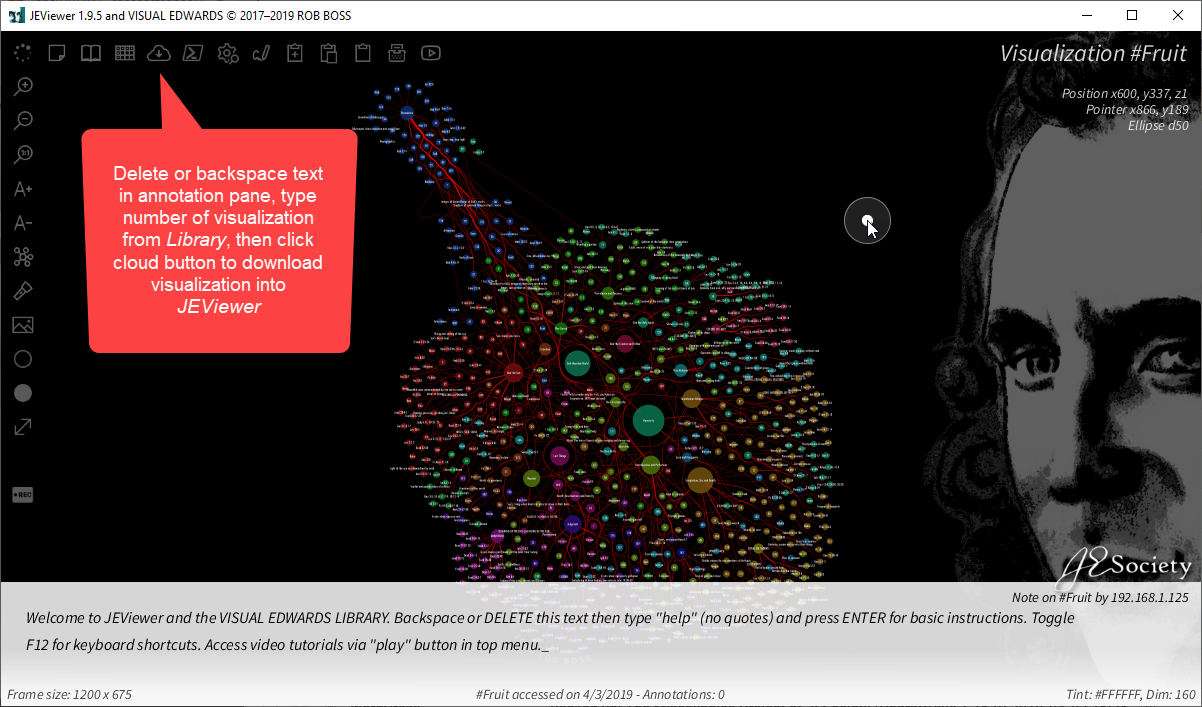
Download a visualization 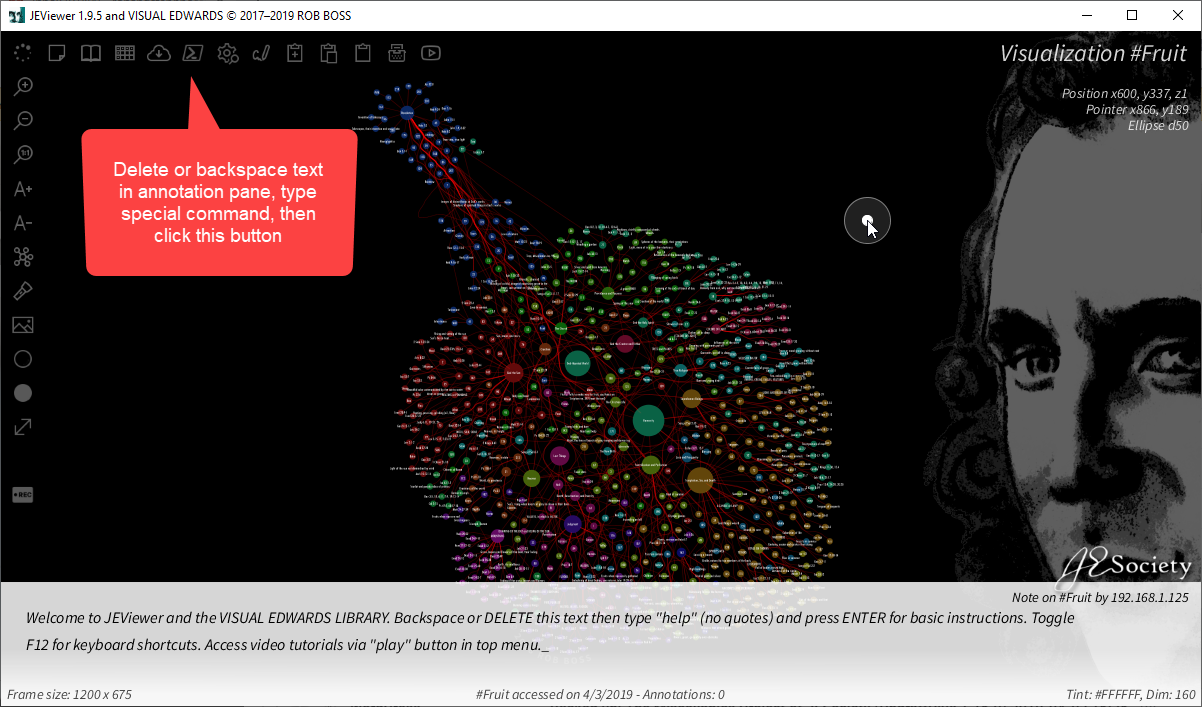
Execute special commands 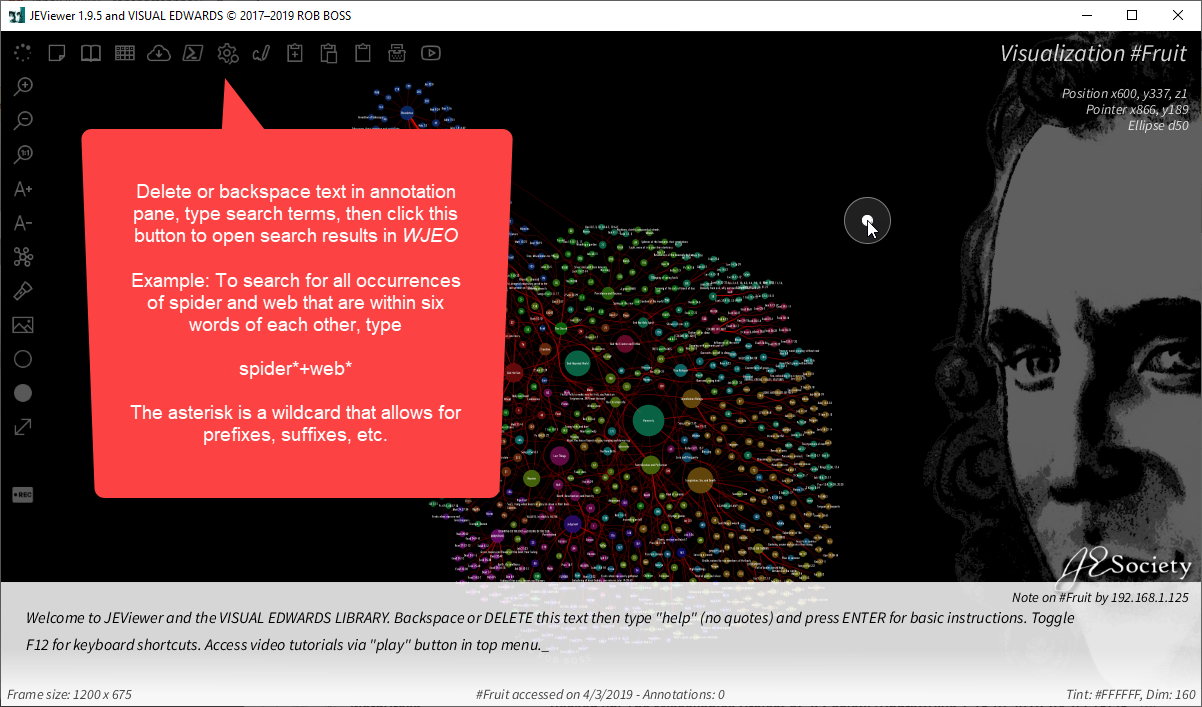
Send search to WJEO 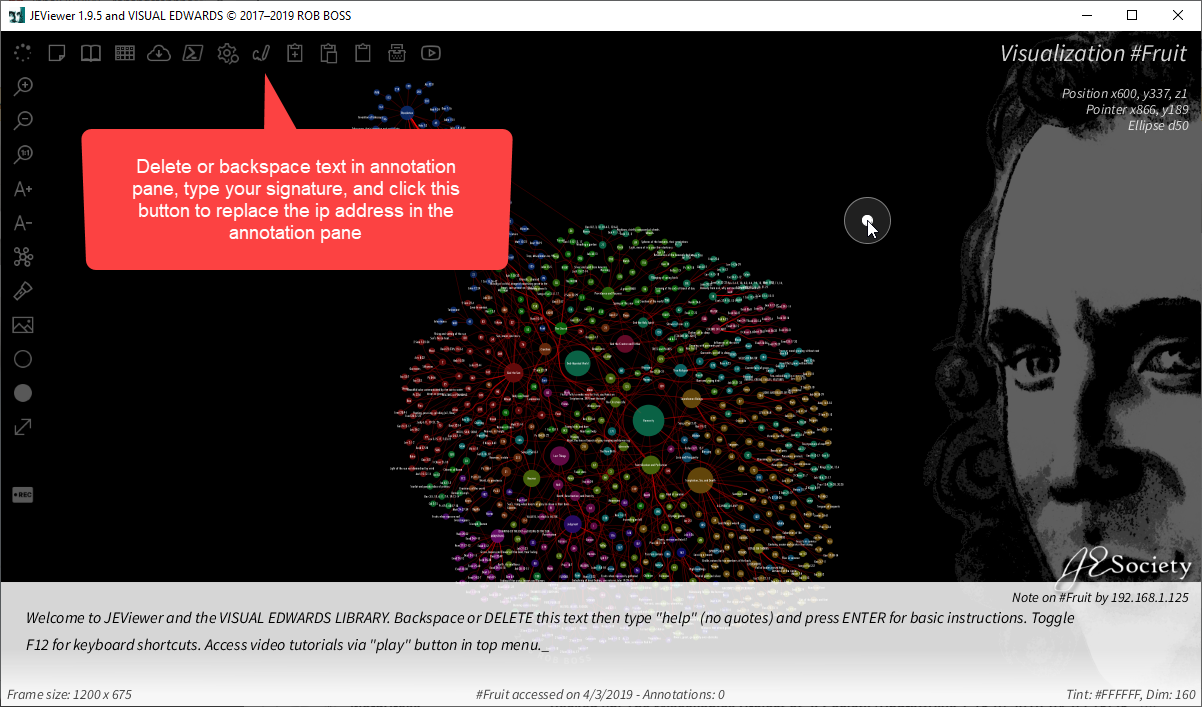
Add your signature 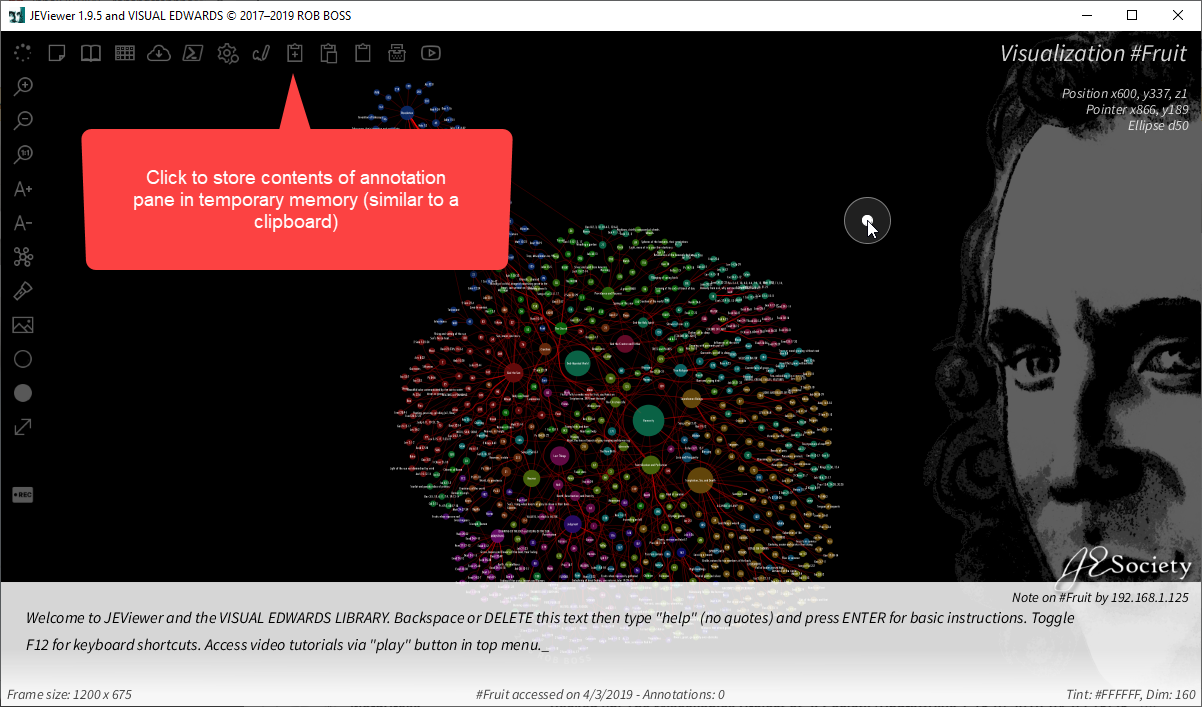
Store comments in temporary memory 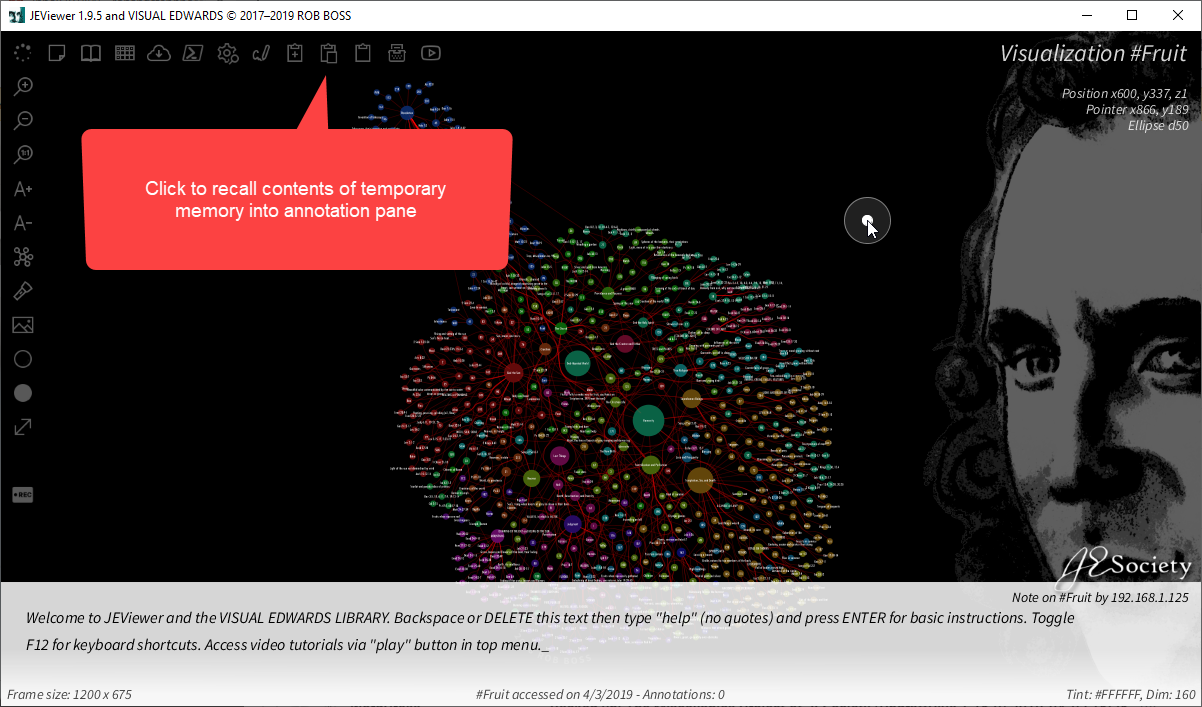
Recall comments from temporary memory 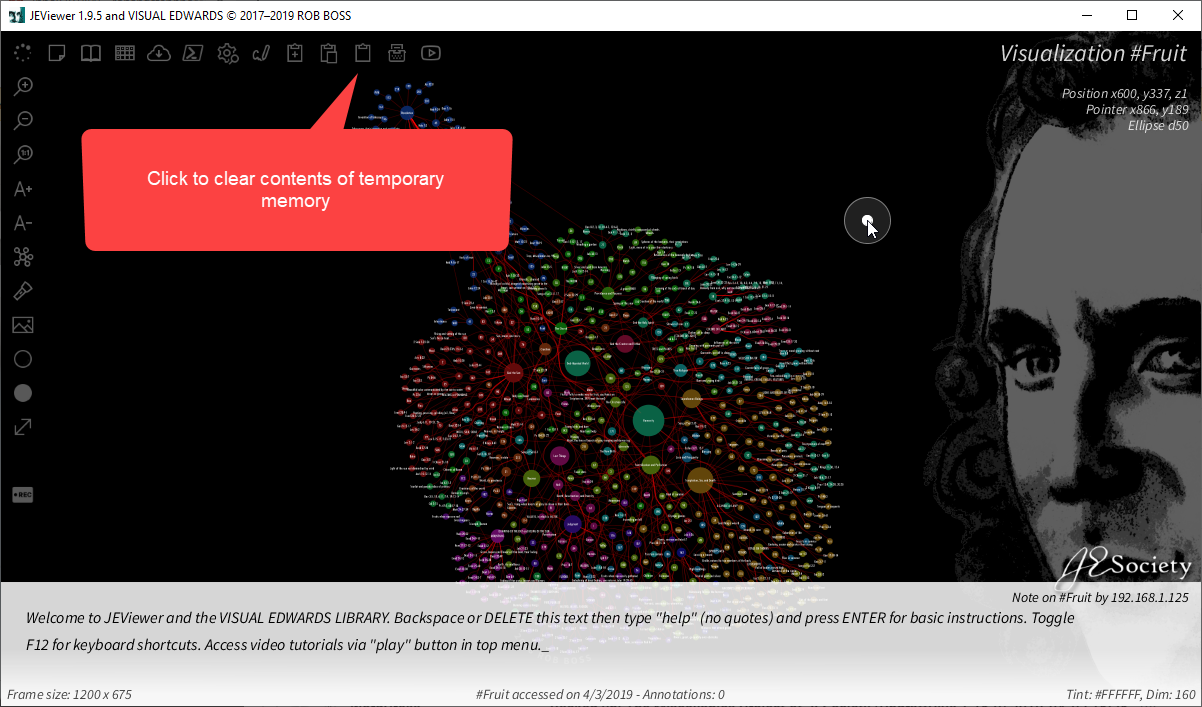
Clear temporary memory 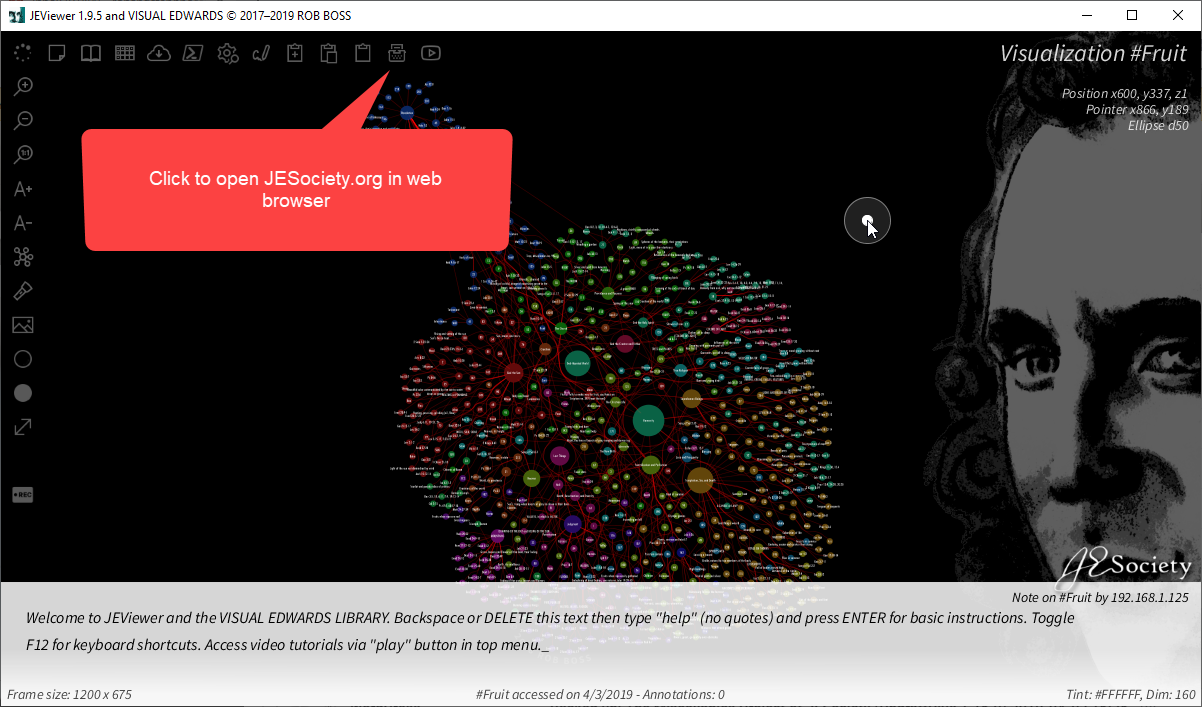
Open JESociety.org in browser 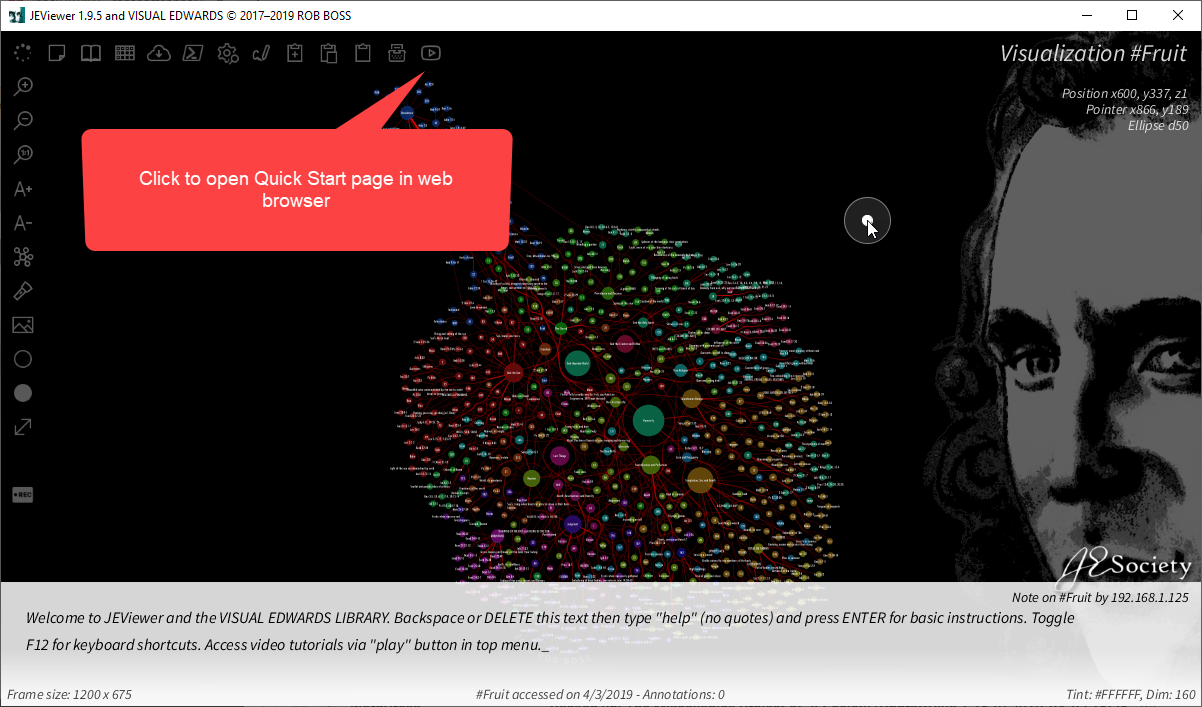
Open Quick Start page in browser 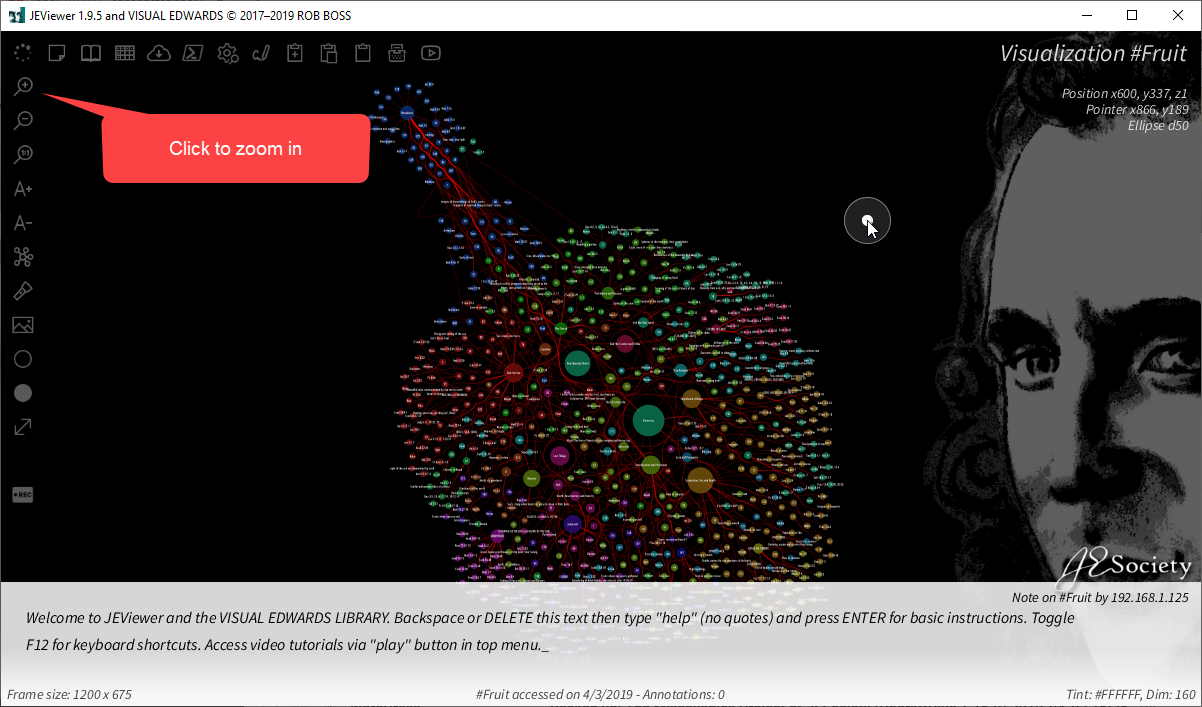
Zoom in 
Zoom out 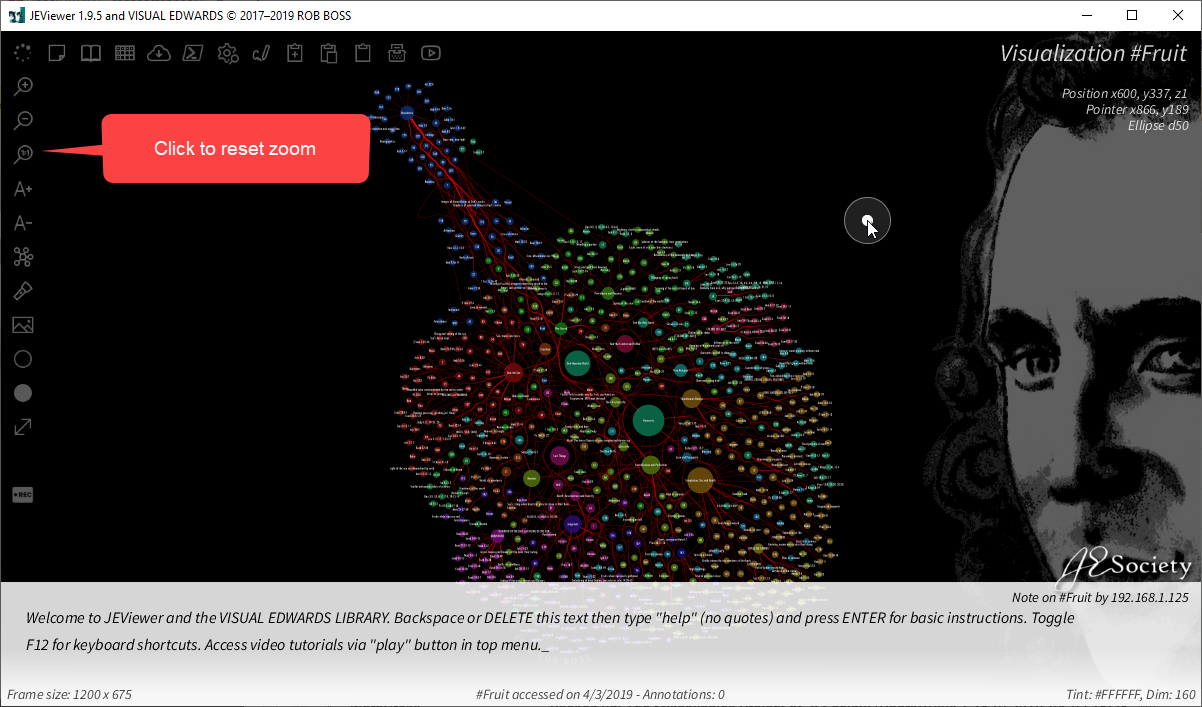
Reset zoom 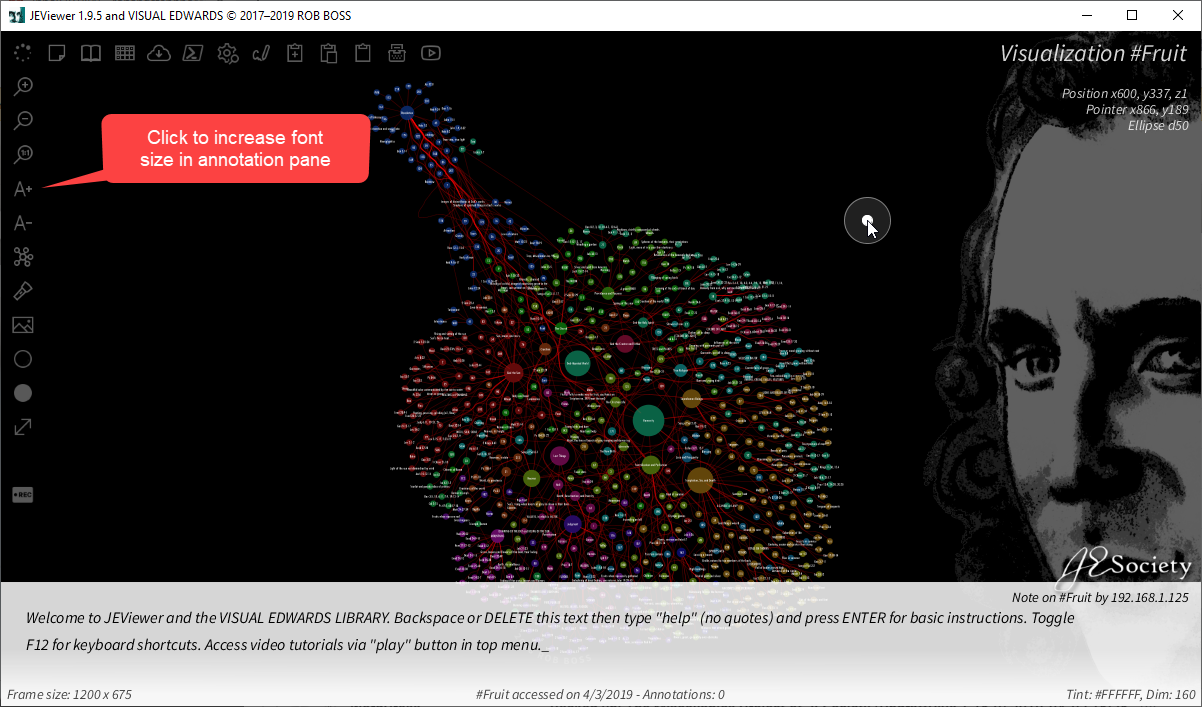
Increase font size 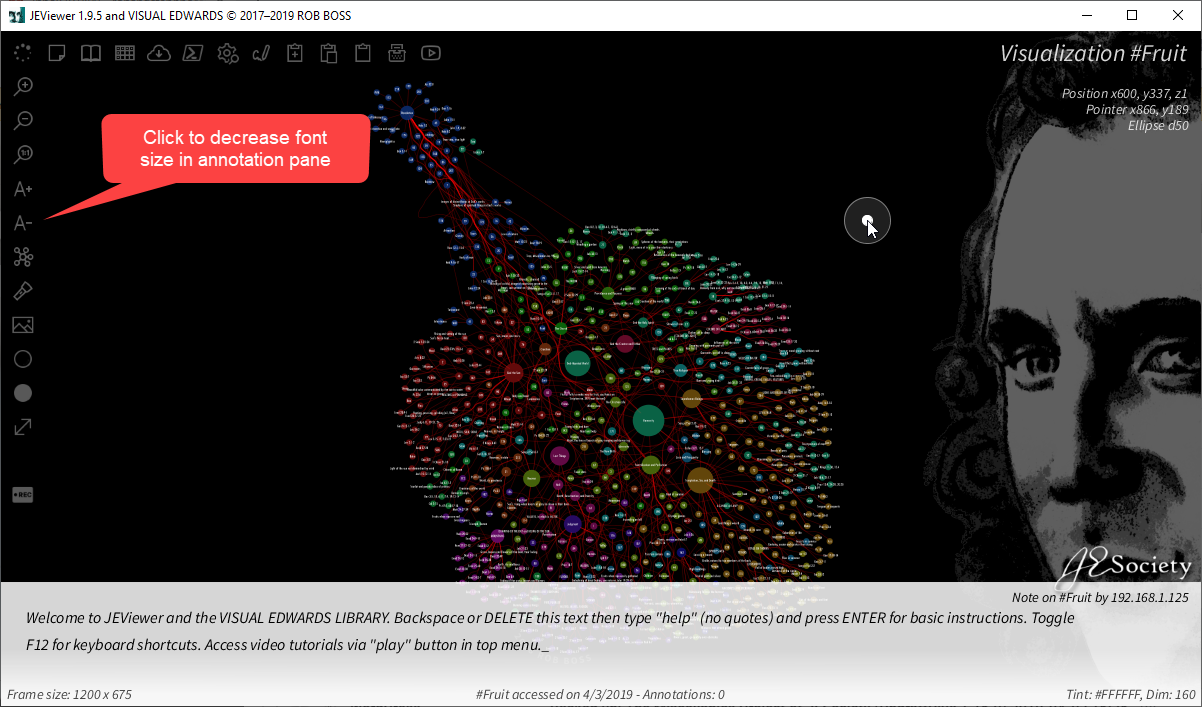
Decrease font size 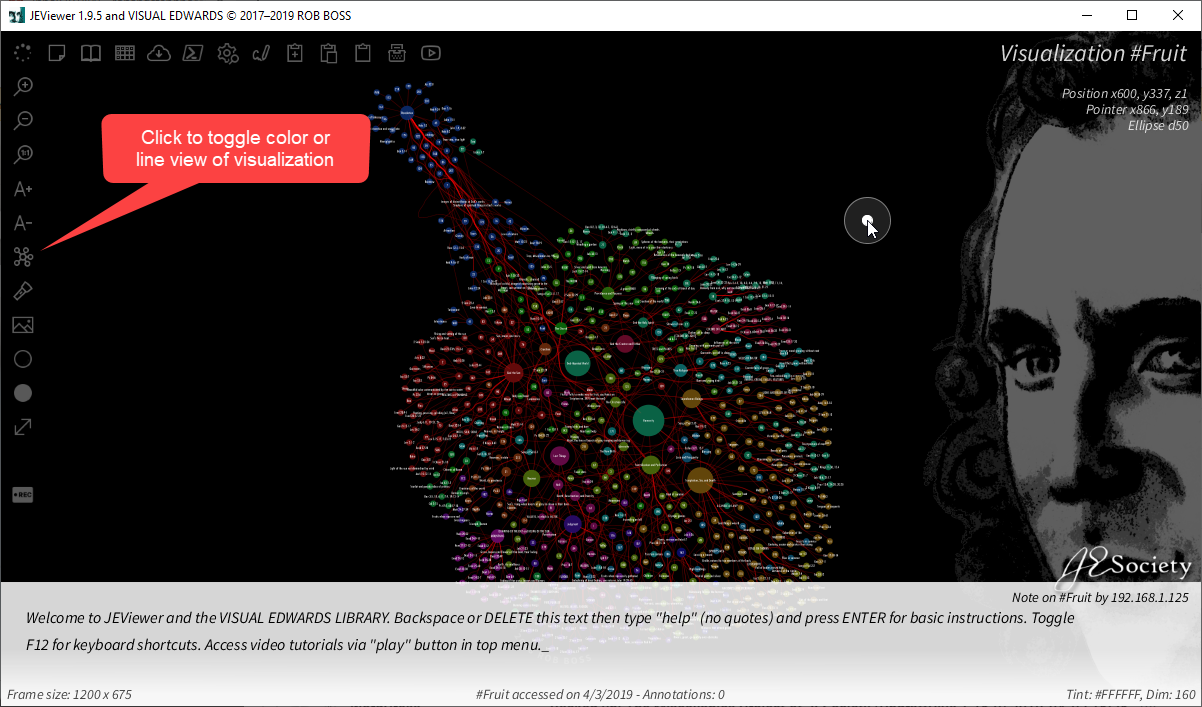
Toggle line or color visualization 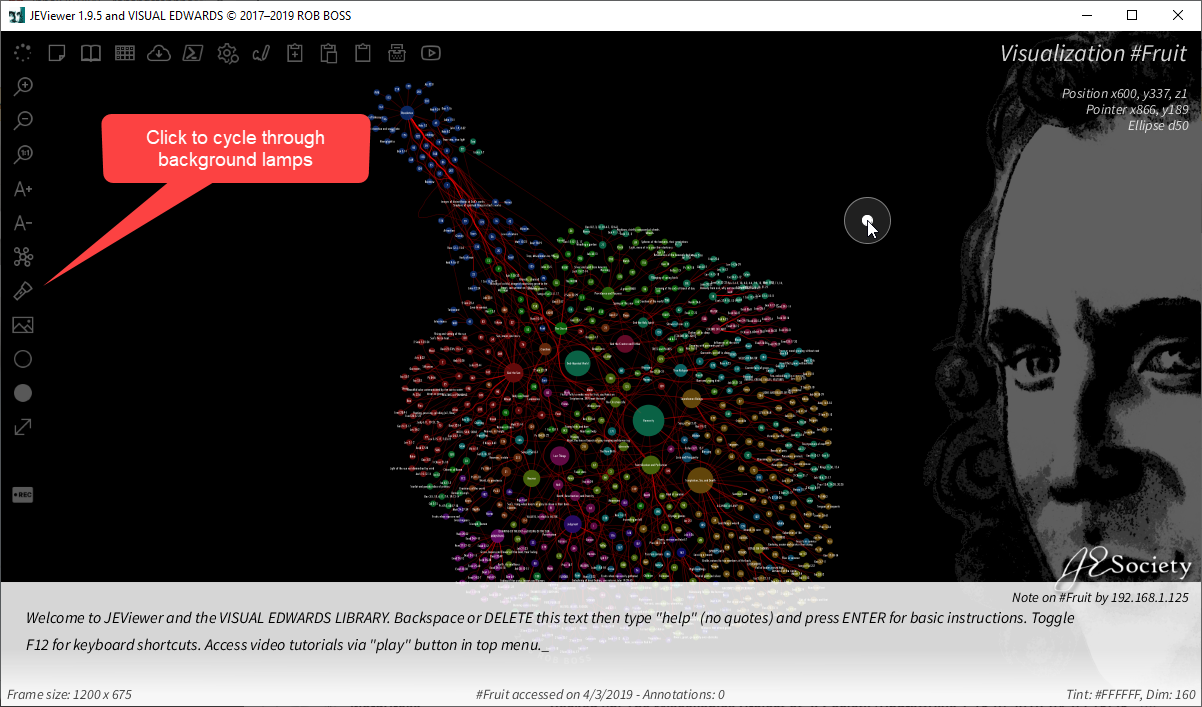
Cycle through background lamps 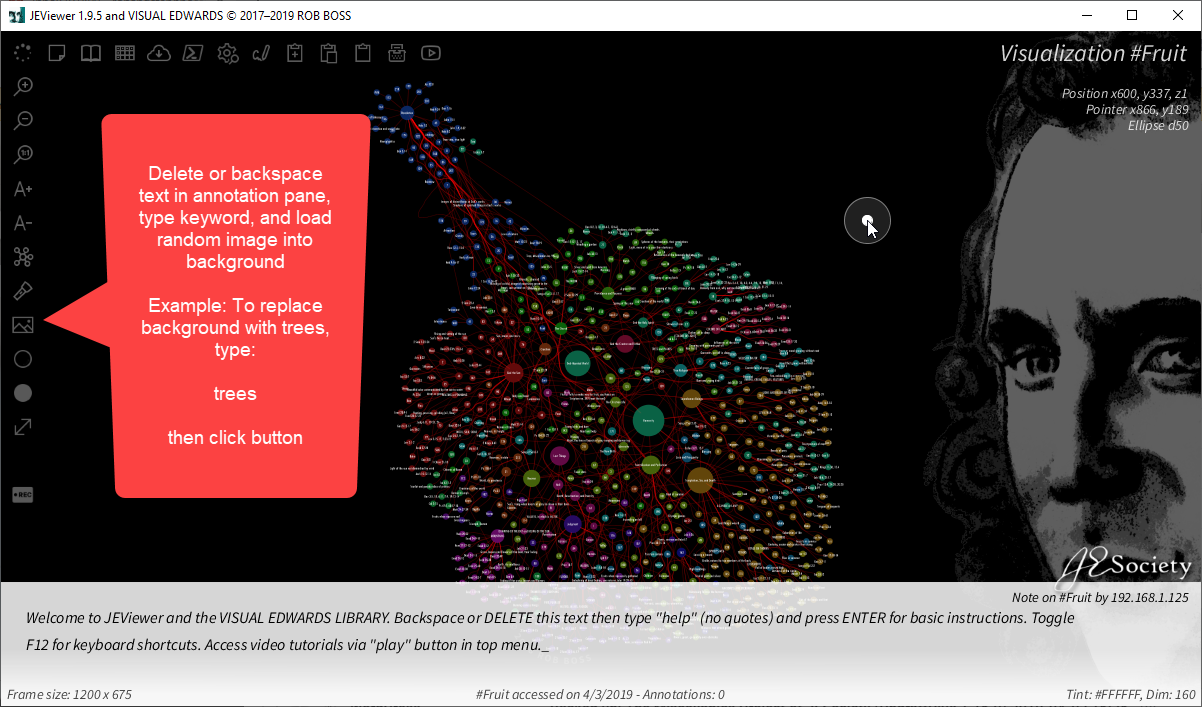
Load themed bakgrounds 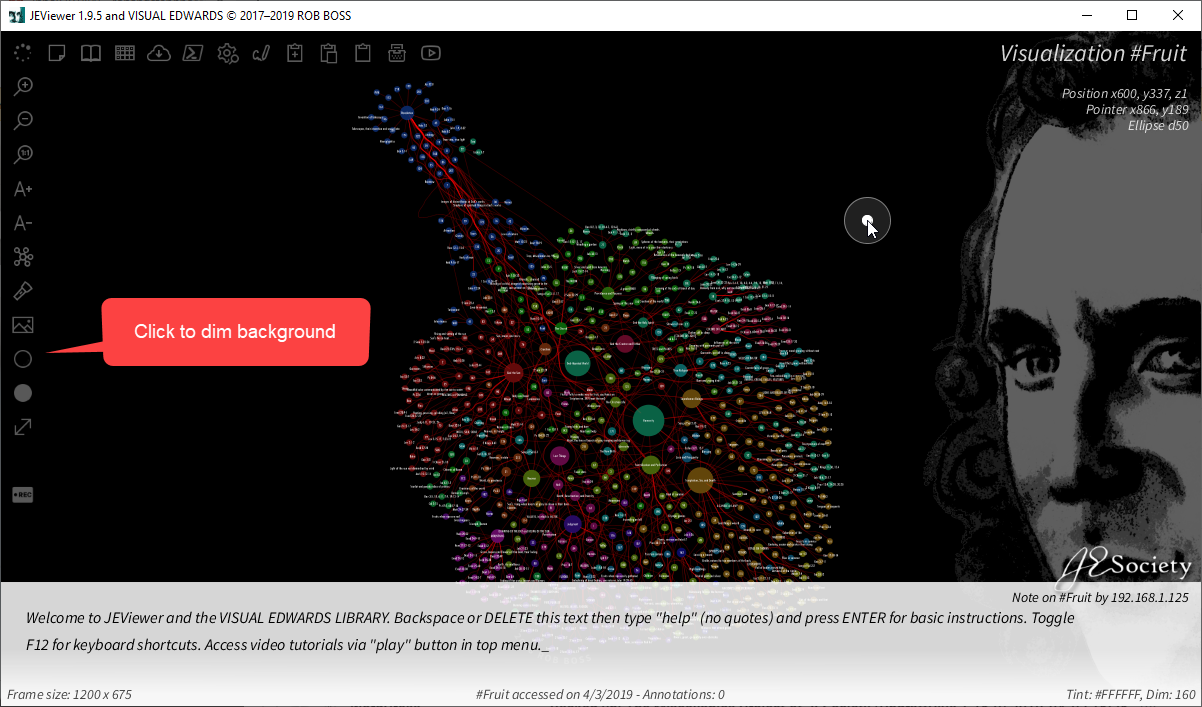
Dim background 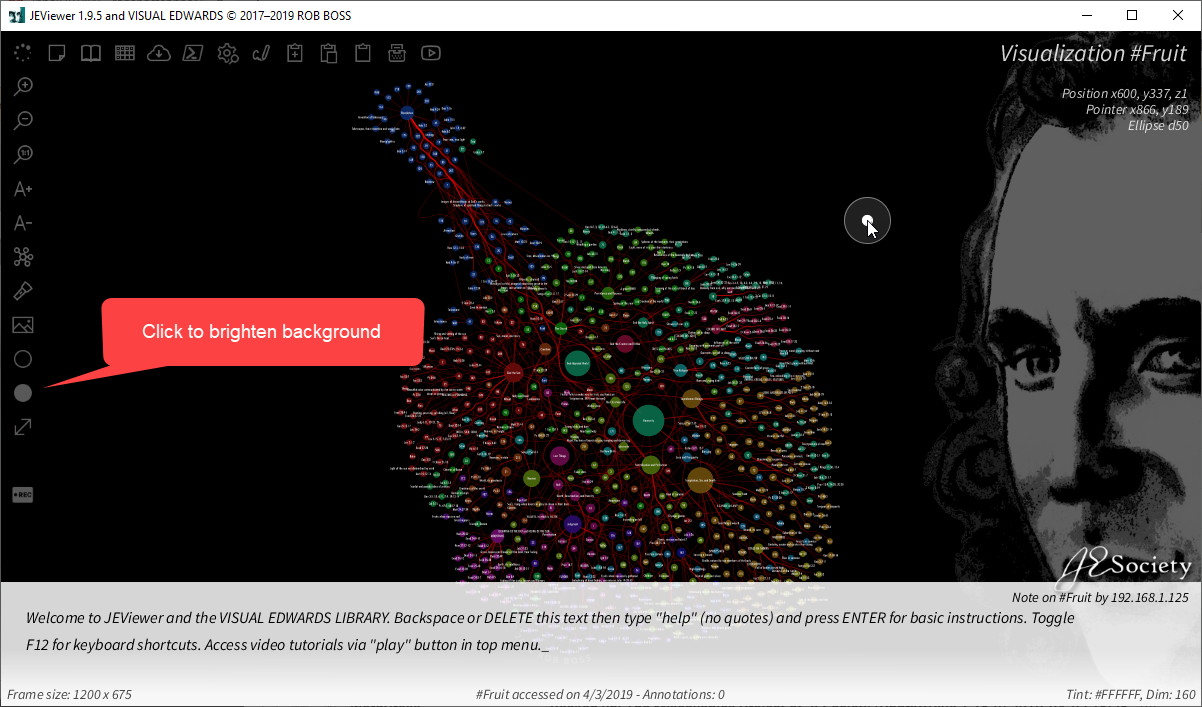
Brighten background 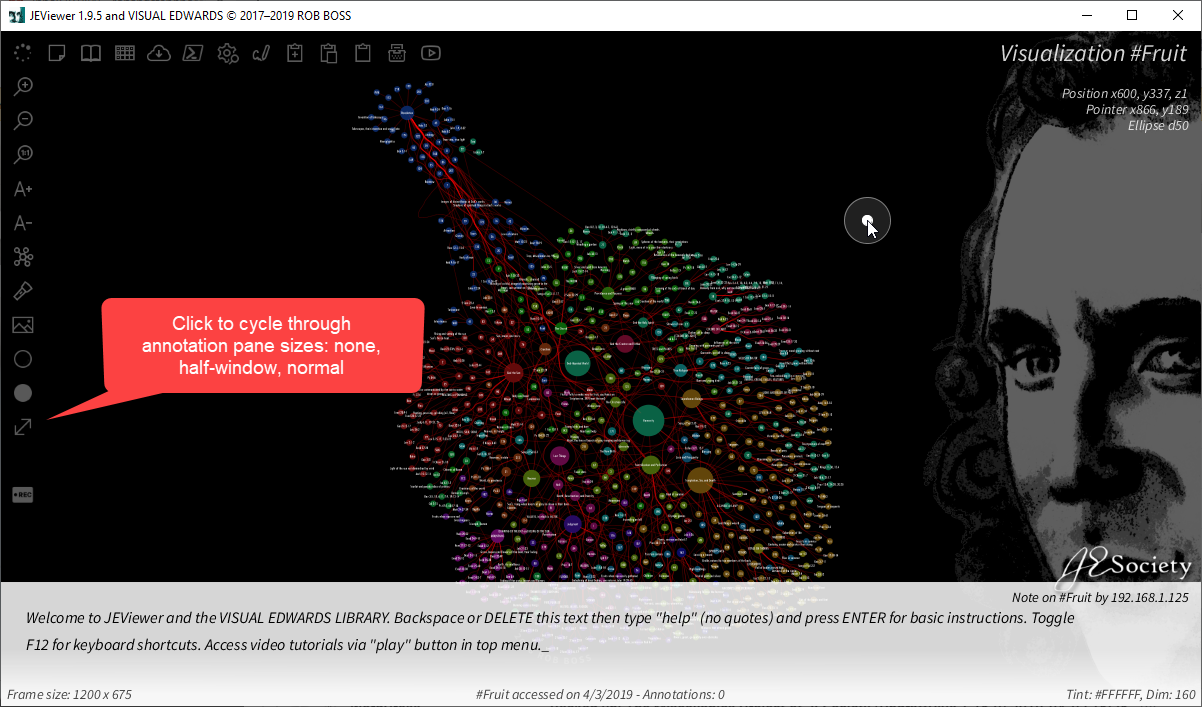
Change annotation pane size 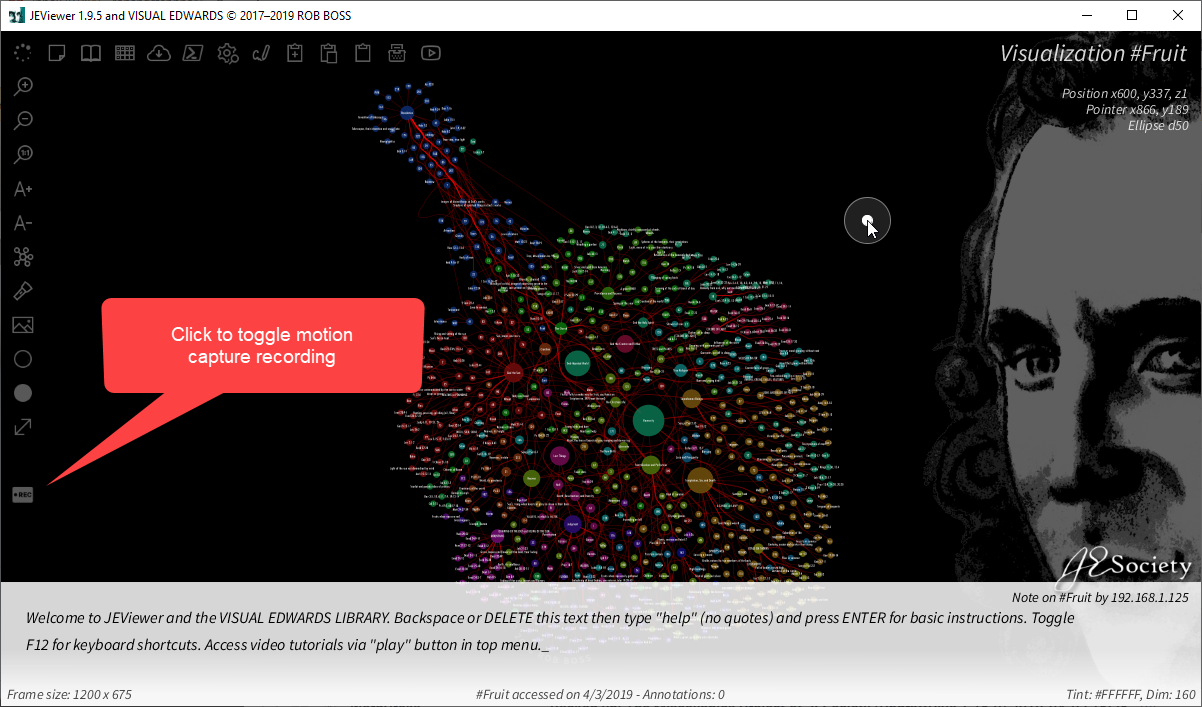
Record animation
Videos below are of an older version of JEViewer